
the photographer was getting interest but losing momentum
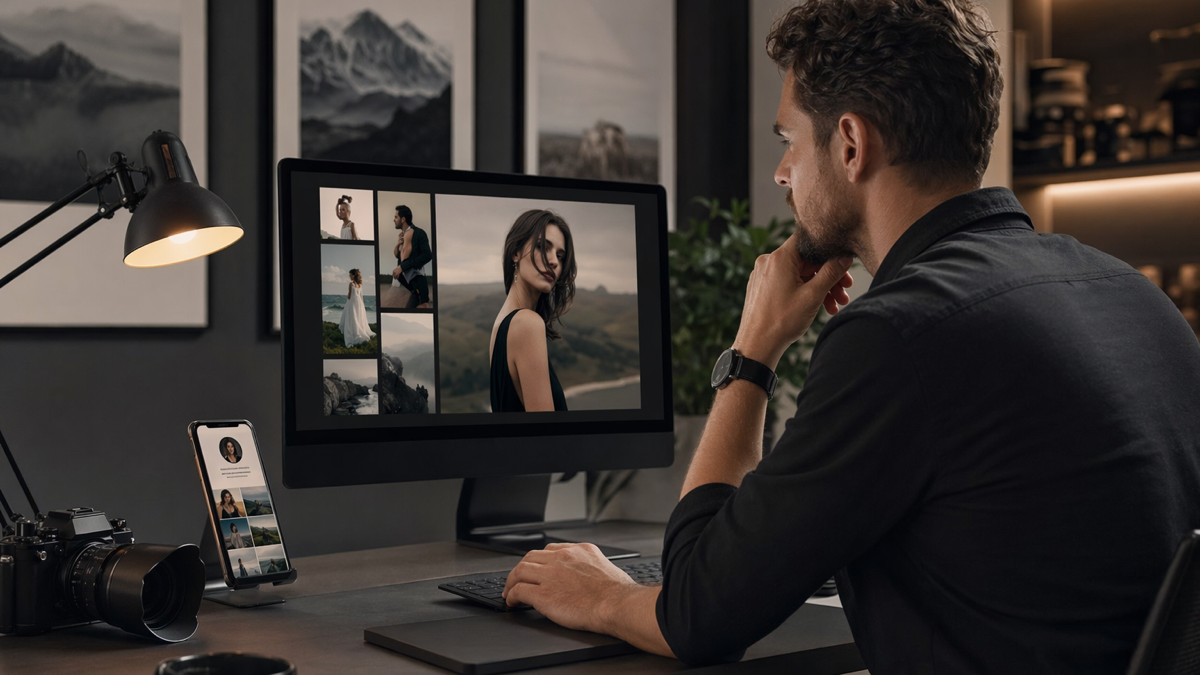
The photographer had enough attention. That was not the problem. People found her through Instagram, wedding fairs, referrals, local directories and old blog posts. They liked the work. They saved posts. They sent messages asking for prices. Some booked. Some disappeared.
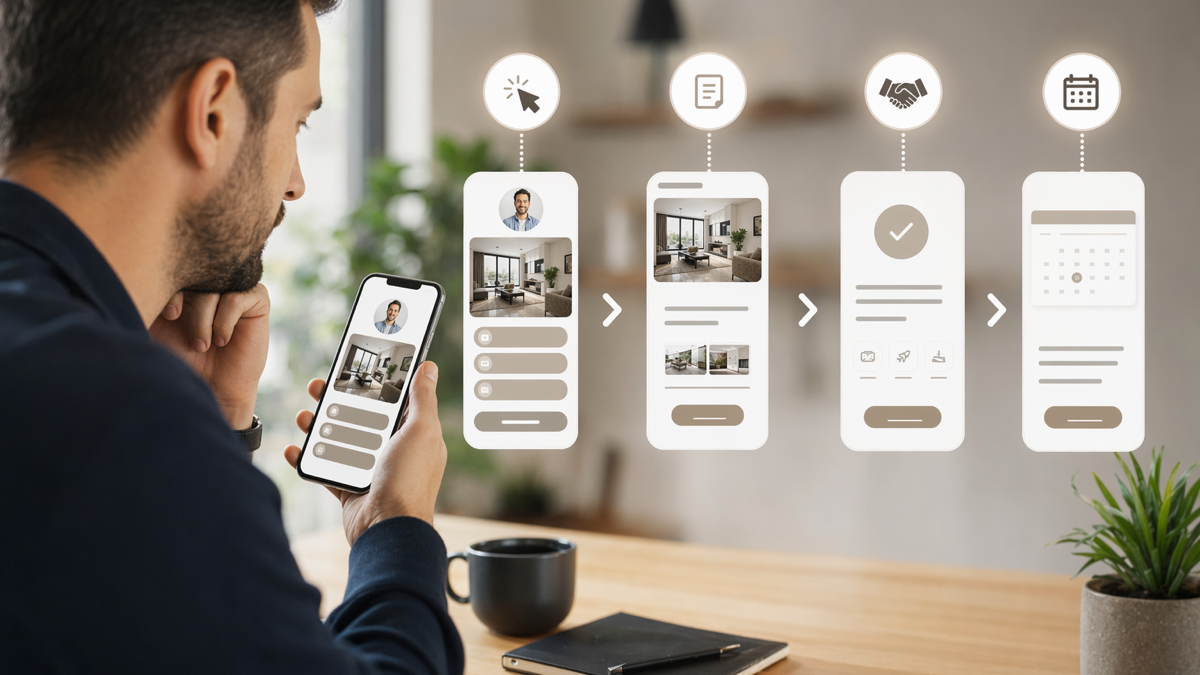
The booking path was the weak part. A potential client might tap a social bio link, land on a general portfolio, look for packages, open a contact form, then realise they needed to ask about dates in a direct message. Another client might scan a QR code at a wedding fair and end up on a homepage designed more for browsing than booking. A third might receive a long link by email and forget to come back to it.
None of this meant the photographer needed a new brand or a huge website project. She needed a cleaner path from interest to enquiry. The work was already good. The route to booking needed fewer loose ends.
where the friction showed up
The photographer noticed the problem because the same questions kept arriving in messages:
- "Where can I see your wedding packages?"
- "Do you have availability for next June?"
- "How do we book a call?"
- "Can you send the family shoot price list again?"
- "Is this the right form for newborn sessions?"
Questions are not bad. They can start good conversations. But these were not thoughtful questions about style, locations or how a shoot would feel. They were navigation questions. People were asking because the path was unclear.
The booking journey also changed depending on where someone came from. Instagram led to one page. Wedding fair QR codes led to another. Email replies sometimes used direct calendar links. Old printed cards pointed to a page that had been redesigned twice. The photographer was patching the process by hand, one enquiry at a time.
the new plan
The aim was to create a booking path that felt calm. Not over-automated. Not pushy. Just clear enough that a serious client could take the next step without waiting for a reply.
D2eak.link was used as the link layer. The photographer created a small set of short links and profile pages for the main enquiry types rather than sending everyone through the same general homepage.
The structure looked like this:
- a main profile link for Instagram and TikTok
- a wedding enquiry link for fairs, brochures and supplier partners
- a family session link for seasonal campaigns
- a newborn session link for referral cards
- a booking call link for warm leads who had already seen pricing
Each link had one job. That made the whole system easier to manage.
why one general link was not enough
Creative businesses often use one link for everything because it feels tidy. One bio link. One homepage. One contact form. The trouble is that different clients arrive with different levels of intent.
A wedding couple who scanned a QR code at a fair may want packages, available dates and a consultation call. A parent looking for autumn family photos may want pricing, location ideas and a booking slot. Someone asking about newborn photography may need reassurance about timing, safety and what happens if the baby is unsettled.
Sending all of them to the same general page creates unnecessary work. They can still book, but they have to sort themselves first. A cleaner link path does that sorting for them.
building the main enquiry paths
wedding enquiries
The wedding path was the highest priority because wedding enquiries were the most valuable and the easiest to lose if a couple was comparing suppliers.
The new wedding link opened a focused page with:
- a short note about the photographer's style
- a link to view wedding packages
- a link to check availability or send the wedding date
- a link to book an intro call
- a small gallery link for recent weddings
The order mattered. Couples did not need five paragraphs of backstory before finding the practical information. They needed enough trust to keep going, then a clear next step.
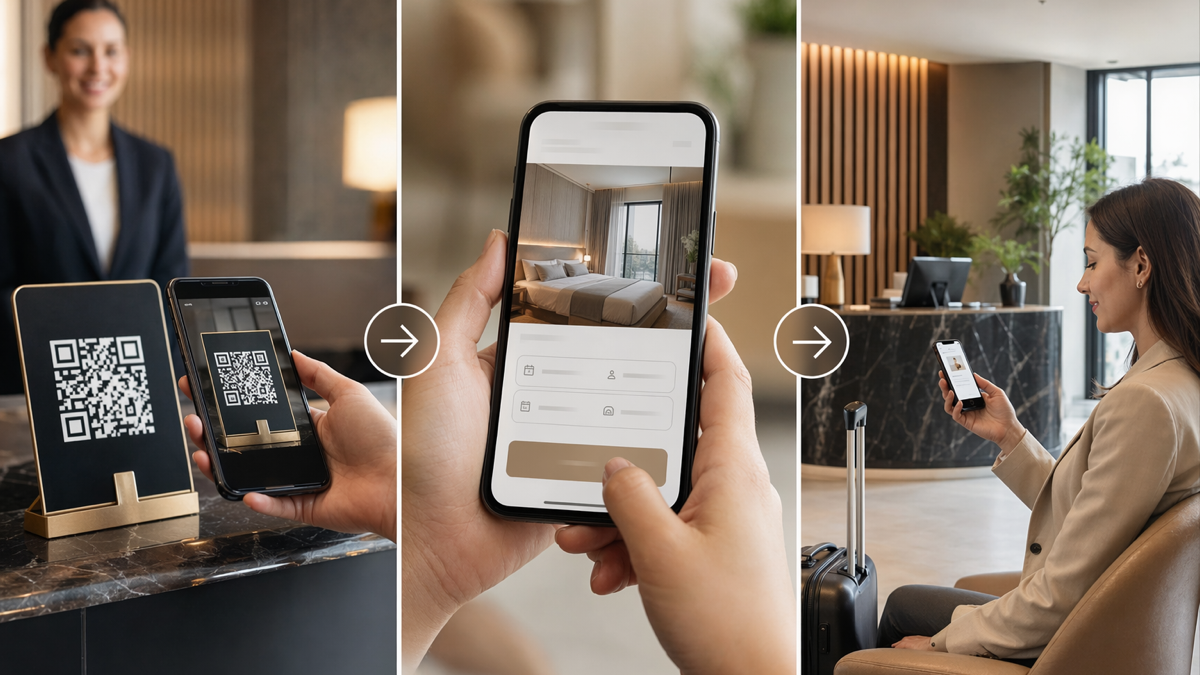
At wedding fairs, the photographer used a QR code that pointed to this wedding enquiry link. That was better than sending people to a homepage. The QR code matched the context: someone standing at a wedding fair, holding a brochure, probably asking the same three questions as everyone else.
family session campaigns
Family photography had a different rhythm. It was often seasonal. A post about autumn mini sessions might create a burst of interest over a few days. If the link in the bio still pointed to a general portfolio, people had to hunt for the right offer.
The photographer created a short link for each seasonal campaign. The link led to a simple page with the date options, price, location notes and booking button. When the campaign ended, the link could be updated to a waitlist or a new seasonal page rather than leaving people on a dead offer.
This helped with Instagram stories too. The photographer could use a clean short link in captions, replies and printed cards. It looked deliberate, and it was easier to remember than a long booking URL.
QR codes for printed material
Photographers use QR codes in more places than they realise: brochures, business cards, client welcome guides, event signs, thank-you cards and supplier packs. The danger is printing a QR code that points directly to a page that may change.
By creating QR codes from D2eak.link short links, the photographer gave herself room to update destinations later. A wedding brochure QR code could keep working even if the pricing guide moved. A newborn referral card could be redirected to a new enquiry form after the studio changed its process.
The photographer named QR codes carefully:
- wedding-fair-brochure-2026
- newborn-referral-card-midwife
- family-mini-session-autumn
- supplier-pack-weddings
Those names were not visible to clients, but they made the system easier to understand months later. When a link got clicks, she could tell where it was likely coming from.
what changed in client conversations
The photographer still replied personally. That was important. Her clients were not buying a generic slot; they were trusting someone with a wedding day, a new baby or family memories. The link system did not replace the relationship. It removed the repetitive admin around it.
Instead of writing the same message five times a week, she could send a short, warm reply with the right link:
"Lovely to hear from you. If you pop your date in here, I can check availability and send the right wedding information over."
That is better than a long message full of attachments and caveats. It keeps the conversation moving without making the client feel processed.
For warmer leads, she used the booking call link. That link went straight to the calendar page, but only after the client had already seen the relevant pricing or package page. This stopped early browsers from filling the calendar with calls before they understood the basics.
how the photographer measured the path
The photographer did not need enterprise analytics. She needed enough information to see which links were helping and which ones were being ignored.
She watched:
- clicks on the wedding fair QR code after each event
- clicks on seasonal family session links after social posts
- clicks from supplier referral cards
- whether booking call clicks matched actual calendar bookings
- old links that still received traffic after a campaign ended
This gave her useful clues. If a wedding fair produced QR scans but few enquiry forms, the page might need clearer pricing or a better availability prompt. If a family session post got lots of clicks but few bookings, the date or location might be the issue. The link data did not explain everything, but it pointed to better questions.
cleaner links made follow-up easier
Follow-up is awkward when you cannot tell what someone has seen. With cleaner links, the photographer could send the right next step without overloading the client.
A couple who had viewed packages could receive the call booking link. A parent asking about mini sessions could receive the seasonal session page. A supplier could receive a referral link that matched their audience. The photographer was no longer pasting whatever link was closest to hand.
She also created a small note in her enquiry workflow: every saved response had the matching D2eak.link short link. That way, the language in her replies and the destination behind the link stayed consistent.
mistakes to avoid
A cleaner booking path can still become messy if every new idea gets its own link. The photographer kept a few rules.
- Create a new link only when the audience or campaign is genuinely different.
- Use plain labels that will still make sense in six months.
- Check every QR code before sending anything to print.
- Do not send cold leads straight to a calendar if they need pricing first.
- Archive campaign links when the offer has ended, or redirect them to the next useful page.
The archive rule was especially useful. Old mini session links used to drift around the internet. Now they could be redirected to a waitlist or current offer instead of becoming a dead end.
what improved quickly
The biggest change was speed. Enquiries moved to the right place faster. The photographer spent less time answering basic navigation questions and more time having useful conversations. Wedding fair leads had a link that matched the brochure in their hand. Family session campaigns had a clear booking route while interest was fresh.
The process also felt more professional without becoming cold. Clean links and focused pages gave clients the sense that the photographer was organised. The personal reply still came from her, in her voice, but the practical steps were easier to follow.
That matters for solo businesses. A messy booking path can make a talented person look harder to work with than they really are. A tidy link system does the opposite. It quietly reassures people that the experience after booking will be organised too.
what other photographers can copy
If you are a photographer, start by listing your main enquiry types. Do not start with tools. Start with the people who contact you and what they need next.
- Wedding clients may need packages, availability and a call.
- Family clients may need dates, locations and prices.
- Newborn clients may need timing guidance and reassurance.
- Commercial clients may need a portfolio, usage notes and a quote form.
Then create one clear path for each serious enquiry type. Use short links where they make sharing easier. Use QR codes where people meet you offline. Keep the destination updateable, especially for anything printed.
make your booking path easier to follow
D2eak.link helps photographers manage short links, profile pages and QR codes without turning booking into a complicated system. If your enquiries are coming from social posts, fairs, referrals and old print material, create a D2eak.link account and give each client type a clearer next step.
the takeaway
The photographer did not need more attention before fixing the booking path. She needed to make better use of the attention she already had. Focused links, updateable QR codes and clearer profile pages helped interested clients move from browsing to enquiry with less friction. The work stayed personal. The admin got lighter. That is a good trade.
Related reading
If this topic is useful, these related D2eak.link guides are worth reading next: