
Branded short links: setup, best practices, and mistakes to avoid
A branded short link looks small, but it carries a lot of weight. It tells people whether a link belongs to you, whether it is safe enough to click, and whether the campaign behind it has been thought through.
Generic short links still have a place, but they can feel anonymous. In a world of phishing messages, spammy redirects and throwaway campaigns, trust is part of conversion. A clean branded link gives people a little more confidence before they tap.
For businesses, creators and local teams, branded short links are also easier to manage. They look better in print, work well with QR codes, fit neatly into social profiles and make analytics cleaner. The trick is setting them up with rules you can keep using.
What a branded short link is
A branded short link is a shortened URL that uses a recognisable domain or brand-controlled link structure rather than a random-looking generic domain. The destination can be a landing page, product page, booking form, bio page, file, map or checkout.
The point is not only to make the URL shorter. A short link should also be readable, memorable and trackable. If it can be spoken aloud, printed on a flyer and understood in a report later, it is doing more than hiding a long URL.
Compare the experience
- Messy: a long URL full of parameters, numbers and campaign tags.
- Unclear: a generic short link with random characters.
- Better: a branded short link with a clear campaign slug.
People do not inspect every link, but they do notice when something looks odd. A readable link lowers friction, especially in WhatsApp messages, printed material, email signatures and event signage.
Start with a naming system
Most link mess starts with inconsistent naming. One person creates "summer-sale". Another creates "SummerSale2026". Someone else creates "promo1". A month later nobody knows which link was used where.
Before creating lots of links, decide how you will name them. Keep it boring. Boring is good here. You want names that make sense when you are tired, busy or trying to compare campaigns quickly.
A simple naming pattern
- Use lowercase letters.
- Separate words with hyphens.
- Include the campaign or destination.
- Add the placement if the same campaign appears in several places.
- Avoid internal jokes, initials and vague labels.
For example, use "wedding-guide-instagram", "wedding-guide-flyer" and "wedding-guide-email" rather than "wg1", "wg2" and "wg-final". Your future self will be grateful.
Choose slugs people can read
The slug is the part of the short link after the domain. It should be short enough to type and clear enough to understand. You do not need to squeeze the whole campaign into it.
Good slugs use plain words: "menu", "book", "pricing", "open-day", "spring-offer", "wedding-guide". Bad slugs are cryptic, too long or easy to mistype. Avoid characters that can confuse people, especially if the link will be read aloud.
Slug examples
- Good: /book
- Good: /lunch
- Good: /wedding-guide
- Good: /jan-trial
- Weak: /click-here-now
- Weak: /x7k9a
- Weak: /super-amazing-limited-time-business-growth-offer
The best slug is the one that makes the next step obvious. Do not try to be too clever. Clear links age better.
Match the link to the channel
A short link in an Instagram bio does not have the same job as a short link on a poster. A link in an email signature is different again. If you use one link everywhere, your reporting becomes muddy.
Create separate links for important channels. You can send them to the same destination if needed, but the source should be visible in your analytics. This is especially useful when comparing social traffic with print, events or partner referrals.
Channel examples
- /guide-ig for an Instagram bio or Story.
- /guide-flyer for printed flyers.
- /guide-email for newsletter or signature traffic.
- /guide-partnername for a partner promotion.
- /guide-qr-window for a shop window QR code.
Do not create separate links for every tiny variation. That becomes its own mess. Separate the sources you may actually act on later.
Use branded links with QR codes
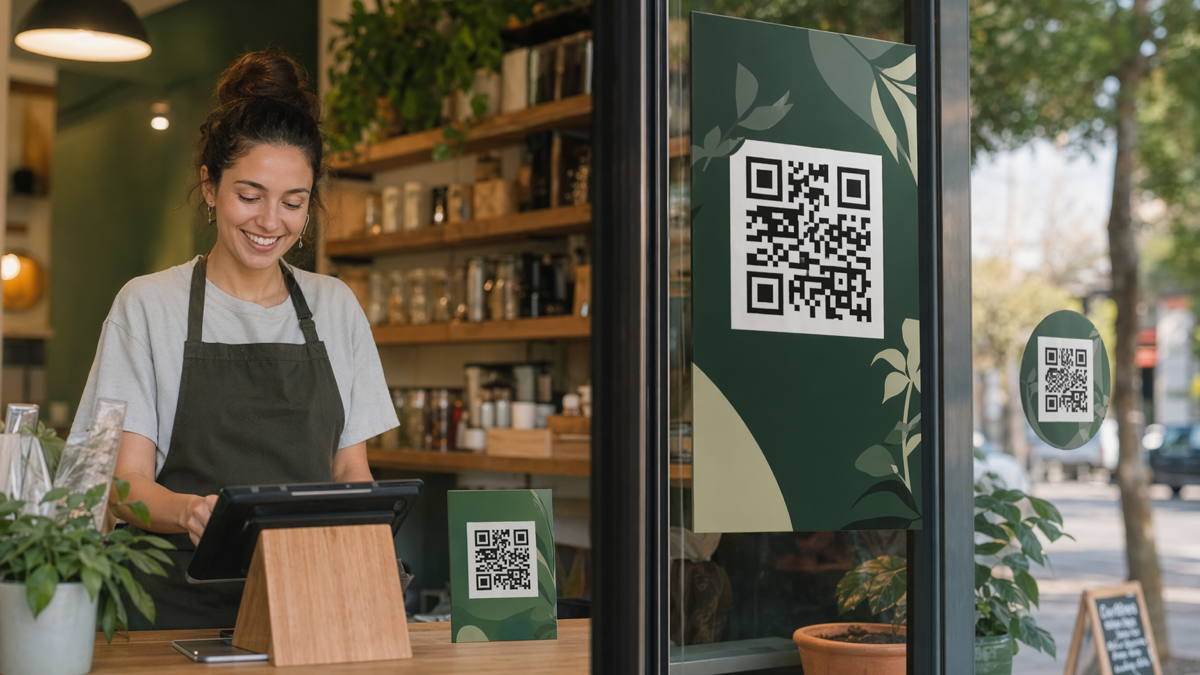
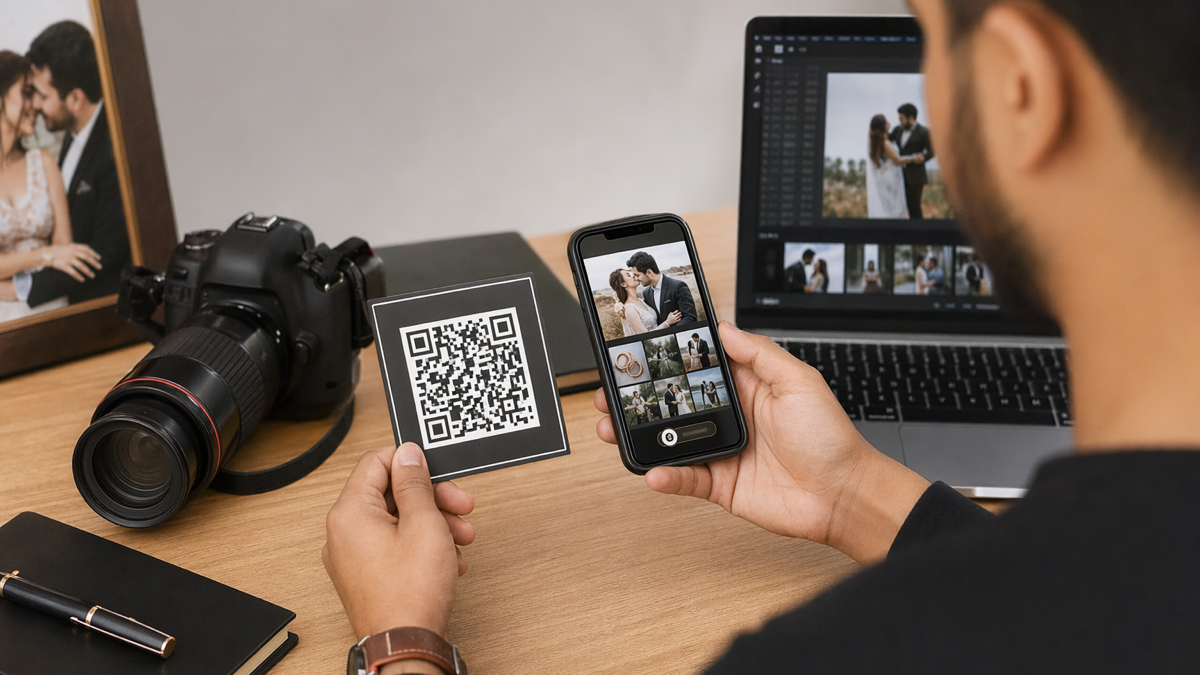
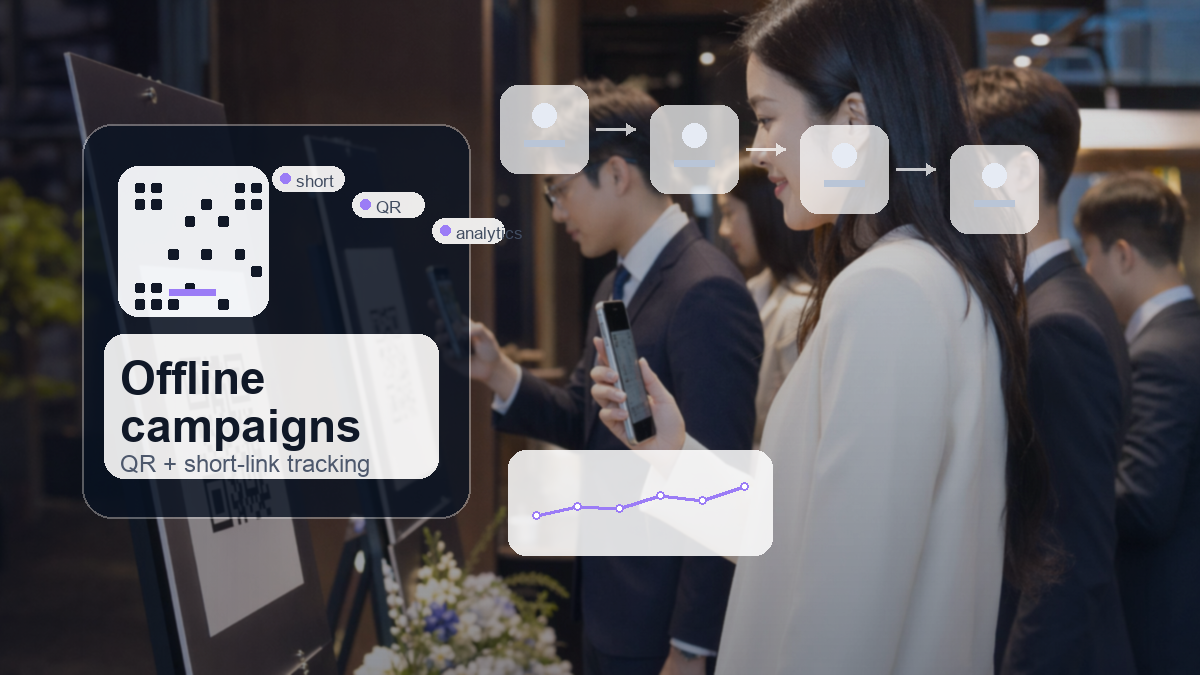
QR codes and branded short links work well together. The QR code gives people the fastest route. The readable short link below it gives them a backup and adds trust.
This is useful in print because not everyone wants to scan. Some people are on a laptop. Some have a cracked camera. Some simply prefer typing. A short, readable link keeps the campaign accessible.
Print layout tips
- Place a clear instruction near the QR code.
- Add the branded short link below the code.
- Keep enough white space around the QR code.
- Use the same wording on the landing page as the print material.
- Test both the QR scan and the typed link before printing.
If the print piece has room, tell people exactly what they get after scanning. "Scan for the price list" beats "scan me" almost every time.
Redirect with care
A short link often redirects to a longer destination. That is normal, but the redirect should feel clean. Avoid sending people through several hops. Each extra redirect can slow the experience, break tracking or look suspicious.
Check the final destination on mobile. If the link opens a booking system, payment page or form, test the full path. A branded short link can get the click, but the destination has to finish the job.
Redirect checks
- The final page loads quickly.
- The destination matches the link promise.
- The page works on mobile.
- Tracking parameters are preserved if you need them.
- Old links are updated or retired when campaigns end.
Broken redirects are easy to miss because the short link itself looks fine. Test links after major website changes, not only when you first create them.
Avoid these trust mistakes
Trust is fragile around links. People may not know exactly why a link feels wrong, but hesitation is enough to reduce clicks. Clean up anything that creates doubt.
- Do not use random slugs for public campaigns unless privacy requires it.
- Do not promise one thing in the link and send people somewhere else.
- Do not keep expired offers live without explanation.
- Do not use link names that look like spam or urgency tricks.
- Do not hide important terms behind a misleading button.
A link is a small promise. If it says "pricing", send people to pricing. If it says "book", send them to booking. That sounds basic because it is, and it still gets ignored.
Measure the right things
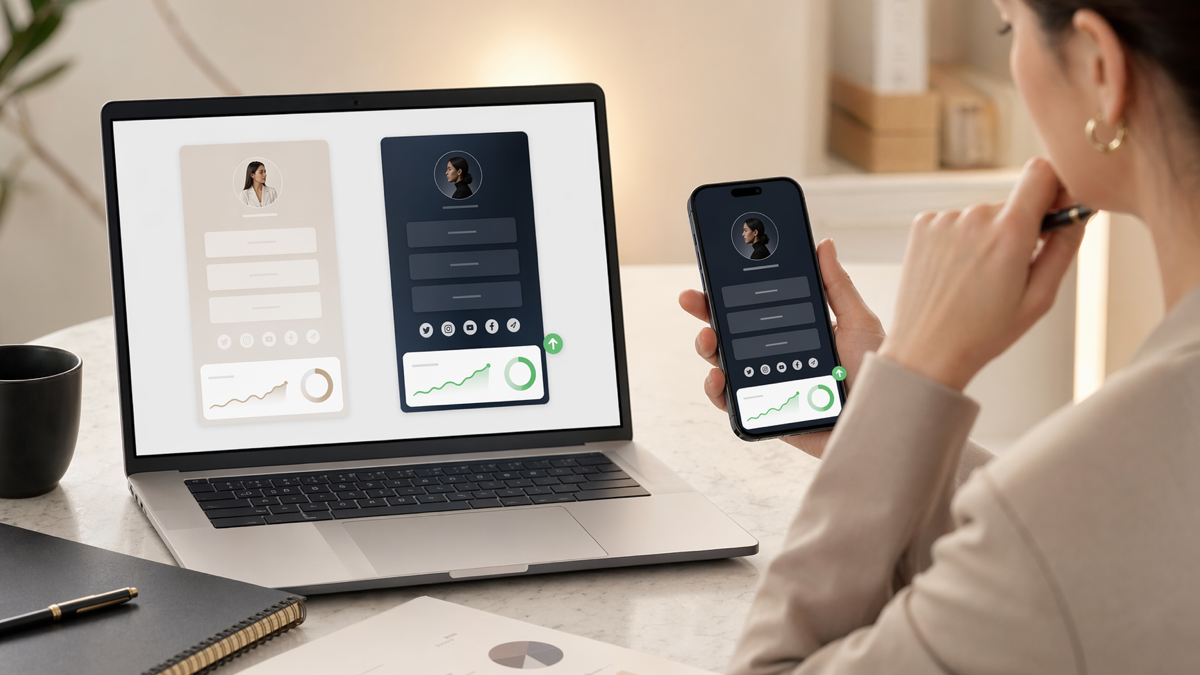
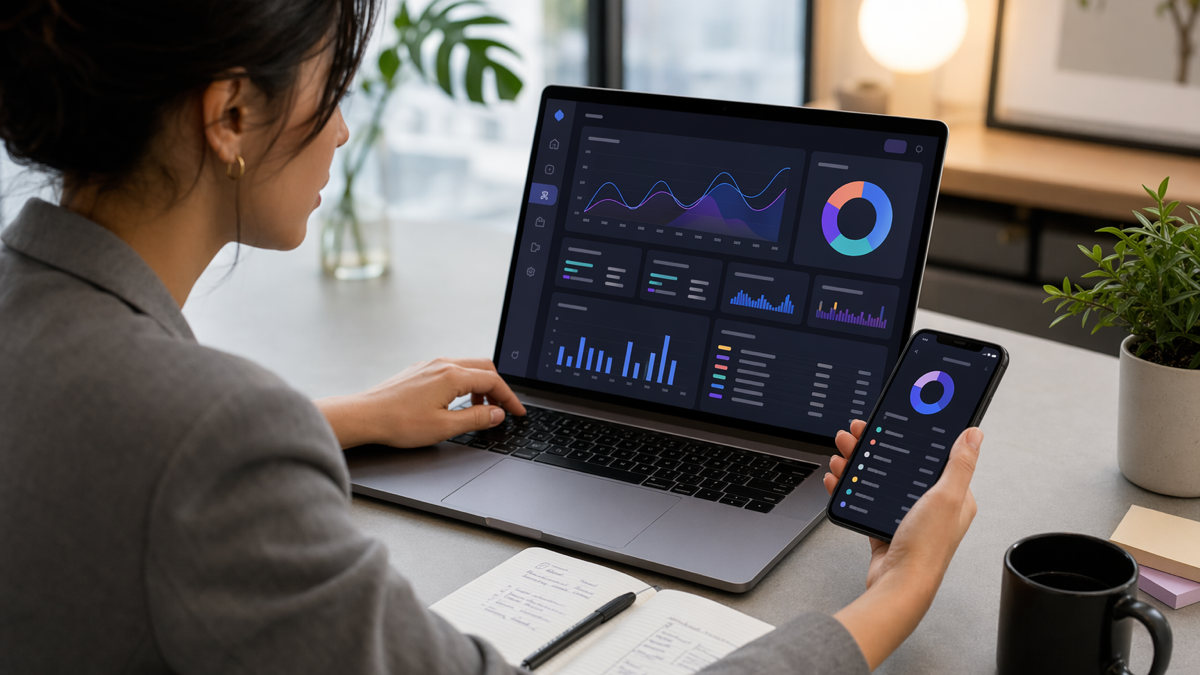
Short link analytics can become noisy. Total clicks are useful, but they are not always the decision-making number. Look at clicks by channel, time and campaign. Then connect those clicks to the action you care about.
For a local business, a flyer link with fewer clicks may produce better customers than a social link with lots of casual taps. For a creator, a bio link may bring more visits, but an email link may bring more sales. Separate links help you spot that difference.
Questions to ask each month
- Which links are still active and useful?
- Which campaigns sent traffic but did not convert?
- Which links should be renamed for clarity?
- Which old links should be redirected to a current page?
- Which channels deserve more attention next month?
Link management is not glamorous, but it prevents wasted traffic. A tidy link system makes every campaign easier to understand.
Example setup for a service business
Imagine a web designer promoting a free pricing guide. They create separate D2eak.link short links for Instagram, LinkedIn, email signature and a printed networking card. Each link goes to the same guide landing page, but the source is clear.
The slugs are simple: /pricing-ig, /pricing-linkedin, /pricing-email and /pricing-card. After a month, LinkedIn brings fewer clicks than Instagram but more completed enquiries. The networking card only brings a handful of visits, but two become calls. That is useful information.
Without separate branded links, the designer might assume Instagram was the best channel because it was the busiest. With cleaner tracking, they can see where serious leads came from.
Set up your branded links properly
Start with one campaign. Create a short link for each meaningful channel, use readable slugs and send people to a page that matches the promise. Add QR codes where offline attention matters. Review the numbers before creating more links.
Create your D2eak.link account and set up branded short links you can use across social, print, email and local campaigns.
Keep the system tidy
The best link systems are maintained. Once a month, review active links, retire old offers and fix confusing names. If a campaign becomes important, give it a cleaner slug and proper tracking before sending more traffic.
A branded short link is not just a shorter address. It is a small piece of your brand, your campaign and your analytics. Treat it that way and it will pay back more than the few minutes it takes to set up.
Related reading
If this topic is useful, these related D2eak.link guides are worth reading next: