
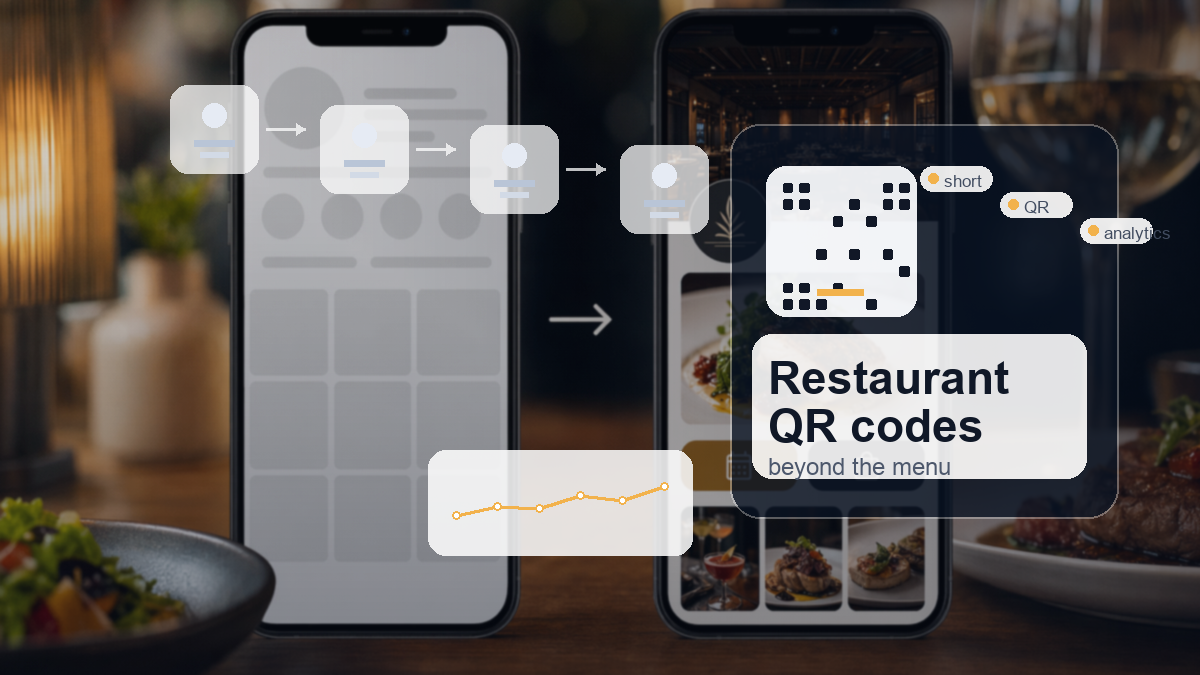
QR codes should not stop at the menu
For many restaurants, QR codes arrived as a quick fix for menus. They solved a problem, then stayed on the table. That is useful, but it is a narrow use of a tool that can do more. A QR code can connect a physical moment in the restaurant to the next action you want from the customer: book again, leave a review, join a list, claim an offer or follow a seasonal campaign.
The best restaurant QR codes are not random squares stuck on a table. They are part of the customer journey. A diner scans because the next step is clear and worth doing. If the code only opens a PDF menu, it helps during the visit. If it points to a well-managed link or page, it can help before, during and after the visit.
Use QR codes for bookings and repeat visits
A booking QR code can sit on receipts, table cards, takeaway bags or window posters. The timing matters. A happy customer leaving the restaurant is warmer than someone seeing a generic advert later. Make the next visit easy while the experience is still fresh.
For example, a card near the bill could say "Book your next table" and point to a short booking page. A Sunday lunch flyer could point to a specific booking link for the next month. A Christmas menu poster could send people straight to the festive booking page instead of the general homepage.
Turn reviews into a simple flow
Reviews are awkward when staff have to ask for them manually. A QR code can make the ask cleaner. Put a review prompt on the receipt, on a small exit sign or in a follow-up card for regulars. The link should go straight to the preferred review destination or to a small page that offers Google, TripAdvisor and Facebook options.
The important detail is the destination. Do not send customers to the homepage and hope they find the review link. Every extra tap loses people. A managed short link lets the restaurant change the destination later if review priorities change, without reprinting the code.
Good restaurant QR code placements
- Table cards for menus, specials and allergy information.
- Receipts for reviews, loyalty signups and next-visit bookings.
- Takeaway packaging for reorders and delivery offers.
- Window posters for seasonal menus and event nights.
- Staff cards for private hire enquiries or large table bookings.
- Local flyers for lunch deals, student offers or neighbourhood events.
Each placement should have a specific job. If every code points to the same homepage, the restaurant is wasting attention.
Promote events and seasonal offers
Restaurants often run offers that change quickly: tasting nights, Sunday roasts, student discounts, set menus, Valentine bookings, Christmas parties and local collaborations. QR codes work well here because the printed material can stay simple while the destination does the detail.
A short link behind the QR code gives the restaurant room to adjust. If the first event sells out, the code can point to a waiting list. If the seasonal page changes, the printed code still works. That flexibility is the difference between a useful QR code and a dead one.
Track which materials actually work
The quiet benefit of QR codes is reporting. A restaurant can see whether table cards, flyers, window posters or takeaway inserts are getting scans. That does not tell the whole story, but it gives more evidence than guessing.
Use different short links for different placements. One QR code for table cards, one for receipts, one for flyers, one for the front window. Keep the names clear. After a month, check which links were used and which were ignored. Then print fewer of the weak ones and improve the strong ones.
Make the offer obvious before the scan
A QR code with no context asks too much from the customer. People want to know what will happen before they point their camera at a code. A table card that says "Scan me" is weaker than one that says "Scan to book your next table" or "Scan for today’s specials". The words around the code do a lot of the work.
Restaurants should treat the code like a small advert. Give it a job, give the customer a reason, then make the destination match the promise. If the code is for loyalty, do not send people to a general signup page with no mention of the offer. If it is for reviews, do not make them choose from a crowded link page unless that choice is useful.
Use different codes for different moments
The customer’s mood changes through the visit. Before ordering, they care about menus, allergies, specials and prices. During the meal, they may be interested in drinks, sides, Wi-Fi or social sharing. At the end, they are more open to reviews, loyalty, bookings and private hire. A single QR code cannot do all of that well.
A better setup uses a few focused codes. One table code can handle the menu and specials. A receipt code can ask for a review or next booking. A takeaway code can point to reordering. A window code can promote the current seasonal offer. Each code then has cleaner reporting because it belongs to a specific moment.
Keep printed material flexible
Restaurant offers change constantly. Menus change, event dates pass, booking pages move and review priorities shift. If the QR code points directly to a fixed PDF or old page, the printed material can go stale quickly. Put a managed short link behind the QR code instead, then update the destination when the campaign changes.
This is especially useful for seasonal campaigns. A Christmas party QR code can point to bookings while space is available, then switch to a waiting list, then later redirect to January offers. The printed poster does not need to be wasted as soon as the first destination stops being useful.
Train staff to use the codes naturally
QR codes work better when staff know what they are for. If a server can say, "There’s a QR code on the receipt if you want to book again," the code feels helpful rather than decorative. If nobody mentions it, it becomes part of the background.
Keep the staff explanation short. One sentence is enough. Tell them which code does what, when to mention it and what the customer gets from scanning. That small habit can be the difference between a code that gets ignored and one that produces bookings, reviews or repeat visits.
What to check after the first month
After the first month, do a plain review rather than a grand report. Look at the active links, the QR codes in circulation and the pages they point to. Keep the links that still have a job. Rename anything vague. Redirect anything that points to an outdated page. Archive the campaign links that are definitely finished.
This small review stops the system becoming another messy folder. It also gives the business a better feel for customer behaviour. Over time, the owner can see which channels get attention, which offers deserve another run and which printed materials are mostly decoration. That is the point of managing links properly: not more data for its own sake, but cleaner decisions.
Keep the customer experience tidy
QR codes fail when the page behind them feels like an afterthought. The landing page should load quickly, work well on mobile and make the next action obvious. If the code is for bookings, show the booking button. If it is for reviews, show the review choices. If it is for offers, show the offer and the terms plainly.
Restaurants do not need a complicated system. They need a few well-named links, clear QR codes, destinations that can be edited and enough reporting to know what is worth keeping.
Create a D2eak.link account and start managing restaurant QR codes from one place.
How to put this into practice this week
Start with one campaign rather than trying to rebuild every link at once. Choose something live or about to go live, such as a flyer drop, a seasonal offer, a booking push or a local event. Create a short link for each place the campaign appears, then generate the QR code from that link. Test every code on a phone before anything is printed or shared.
Keep the first version simple. One destination, one clear action and one owner who checks the numbers. If the campaign works, repeat the structure. If it does not, you still learn which part failed: the placement, the offer, the page or the follow-up. That is much better than having a pile of printed material and no idea what happened.
A clean weekly check
Once a week, review the active links and ask three plain questions. Which links got attention? Which links produced useful actions? Which links need to be changed, archived or renamed? This takes minutes when the links are organised and ages when they are scattered across old documents and staff accounts.
Small businesses do not need enterprise marketing operations to get this right. They need a tidy link habit. Name links properly, keep QR codes connected to editable destinations, and check the numbers before the next print run. That alone puts the business ahead of most competitors still guessing from memory.
Related reading
If this topic is useful, these related D2eak.link guides are worth reading next: