
A QR code looks simple from the outside: scan the square, open the page. The important choice happens before you generate it. You need to decide whether the code should be static or dynamic. That choice affects editing, tracking, print risk, campaign reporting and how painful mistakes become later.
Static QR codes are fixed. Dynamic QR codes send people through a short link that can be changed or measured. Both have a place. The problem comes when businesses use static codes for jobs that really need flexibility, then discover the mistake after 2,000 menus, flyers or labels have already been printed.
what a static QR code does
the destination is baked in
A static QR code contains the final destination inside the code itself. If it points to your menu, that menu URL is encoded directly. If the URL changes, the old printed code does not know. It will keep sending people to the original address for as long as the code can be scanned.
That can be perfectly fine. If the destination will never change and you do not need scan data, a static code is quick, cheap and dependable. There is no redirect service in the middle and no dashboard to manage.
- Wi-Fi login details for a private office.
- A vCard for a staff badge.
- A permanent PDF stored at a stable URL.
- A simple link used once at a small internal event.
static codes are low maintenance until something changes
The obvious benefit is simplicity. The hidden risk is permanence. A typo, expired page, changed domain, broken tracking parameter or updated offer can ruin the code. If the code is already printed, the fix may mean stickers, reprints or awkward signs taped over the old version.
Static codes also give you little insight. You may see traffic in your website analytics if the URL has tracking parameters, but the code itself will not usually tell you how many scans came from a particular poster, table card or packaging run.
what a dynamic QR code does
the code points to an editable short link
A dynamic QR code points to a short redirect link. The printed QR code stays the same, but the destination behind it can be changed. This is the main reason businesses choose dynamic codes for anything public, printed or campaign based.
The extra step also makes tracking easier. You can measure scans, compare placements and change the final page without touching the printed asset. For most marketing use cases, that flexibility is worth more than the small amount of setup time.
dynamic codes reduce print risk
Print mistakes happen. Menus change, event pages move, booking systems get replaced, seasonal offers expire and landing pages get redesigned. A dynamic QR code gives you a safety net. You can correct the destination in the dashboard instead of throwing away printed material.
That safety net is especially useful when several people are involved. A designer may add the code to artwork before the final web page exists. A manager may approve a poster before pricing is final. Dynamic codes make that messy reality easier to handle.
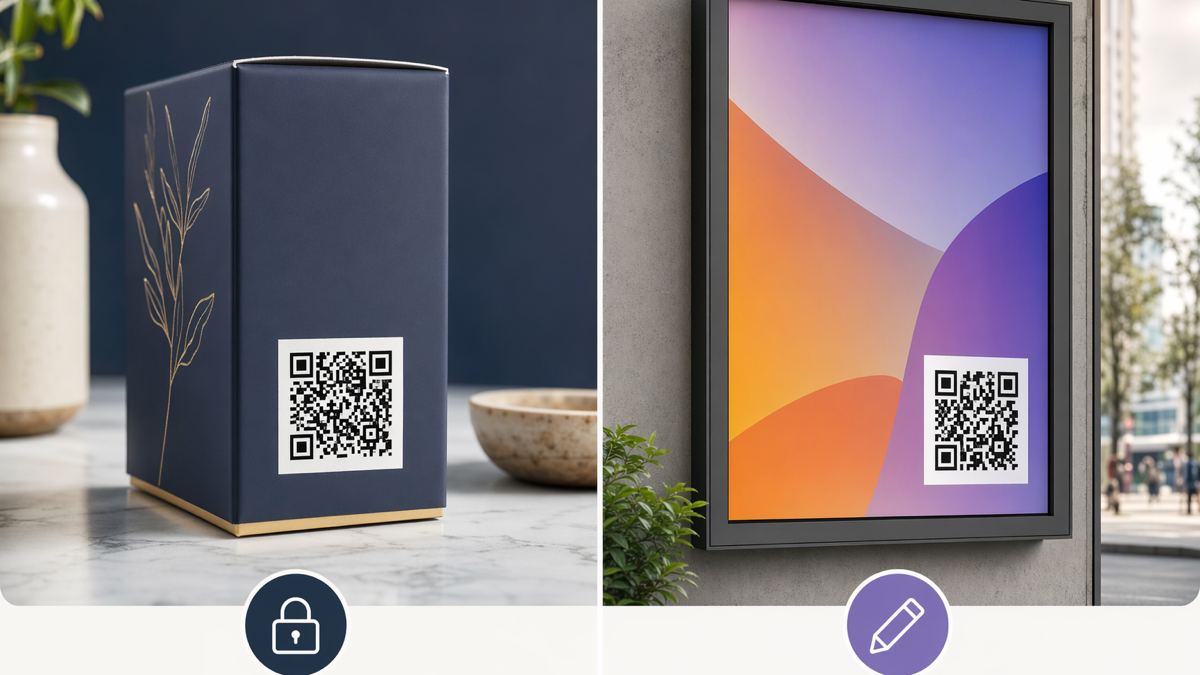
- Restaurant menus that change by season.
- Product packaging with promotions.
- Estate agent boards and window cards.
- Conference badges, signs and handouts.
- Receipts asking customers to reorder or review.
the tracking difference
Tracking is the second big reason to choose dynamic QR codes. It is also where many businesses overcomplicate things.
you need useful signals, not endless reports
A QR dashboard should answer plain questions. Which placement gets scanned? Which offer gets attention? Do scans happen at lunch, after work or late at night? Did the new table card perform better than the old one?
You do not need to track every behaviour in the world. You need enough information to decide what to print again, what to move, and what to stop doing. Dynamic QR codes are useful because they attach those answers to the physical object that drove the scan.
separate codes make testing possible
If the same QR code appears on a window poster, a receipt and a menu, you cannot tell which one worked. Create separate dynamic codes for each placement, even if they all lead to the same page. The customer sees the same experience, but your reporting becomes much clearer.
This is where a short link platform helps. You can keep campaign names tidy, edit destinations when needed and avoid hunting through a pile of anonymous image files later.
when static is the better choice
Static codes still have a role. They are good for simple, stable uses where tracking is unnecessary and the cost of a future change is low. If you are printing ten internal labels for a storeroom and the destination is an unchanging asset, a static code is fine.
They can also be useful where privacy matters. A static Wi-Fi code or contact card does not need to pass through a third-party redirect. For some internal uses, that simplicity is attractive.
Do not reject static codes out of habit. Just be honest about the chance of change. If the destination is tied to a campaign, customer offer, web page, booking system or printed marketing, the chance of change is usually higher than people admit.
when dynamic is the safer choice
public campaigns need flexibility
If a QR code is going on a flyer, menu, poster, business card, table tent, mailer, label or sign, dynamic is usually safer. Anything public has a longer life than the meeting where it was approved. A flyer can sit on a noticeboard for months. A menu can remain in circulation after prices change. A label can outlast the promotion it mentions.
Dynamic codes let you treat printed material as a reusable entry point rather than a one-time pointer. That does not mean you should change destinations every week. It means you can if the business needs it.
campaigns need measurement
Dynamic is also the better choice when you want to learn. A cafe might test two table card messages: one for loyalty sign-ups and one for takeaway orders. A gym might compare scans from changing room posters against reception flyers. A photographer might see whether QR codes on wedding fair handouts lead to enquiry forms.
Those examples only work if each placement has its own trackable code. Otherwise you end up with a total scan number that feels interesting but does not guide the next decision.
common QR code mistakes
printing before testing
Always test the code on more than one phone before printing. Test in normal lighting, from the expected distance and on the actual artwork size. A code that works on your monitor can fail once it is shrunk, laminated or placed under glare.
Testing should include the full journey. Scan the code, wait for the page, check the destination, fill the form or place a test order if needed. The scan is only step one.
using one code everywhere
One code everywhere feels tidy but makes reporting weak. You can reuse the same destination while still creating separate codes for separate placements. Name them plainly: menu-table, receipt-reorder, window-offer, flyer-market. Future you will be grateful.
- Use enough contrast between code and background.
- Leave a quiet margin around the code.
- Add a short reason to scan, not just the words "scan me".
- Keep the landing page fast and mobile friendly.
- Do not send scanners to a desktop-style homepage.
a simple decision rule
Use static QR codes for stable, low-risk, mostly internal information. Use dynamic QR codes for anything printed, public, campaign related or likely to change. That rule will not cover every edge case, but it prevents the expensive mistakes.
For most small businesses, dynamic codes are the sensible default for marketing. They protect you from broken links and give you enough scan data to improve the next version.
If you want one place to create branded short links, editable QR codes and simple bio pages, create a free D2eak.link account and build your first campaign in a few minutes.
A QR code is not just a square on a design. It is a commitment. Static codes commit you to one destination. Dynamic codes keep the door open. Choose based on how much future flexibility you want, not only on how easy the code is to create today.
before you send artwork to print
Treat QR codes like phone numbers on a sign. Nobody would send a sign to print without checking the phone number, yet QR codes often get dropped into artwork at the last minute and trusted because they look technical. Build a small approval habit instead: one person checks the scan, one person checks the destination, and one person checks the printed size in the final PDF.
If the code is dynamic, also check that the dashboard name makes sense. You may remember today that "spring-2-final" means the farmers market flyer, but that name will be useless later. Use labels a normal colleague can understand. Good names make reporting less painful and stop teams creating duplicate codes because they cannot find the old one.
Related reading
If this topic is useful, these related D2eak.link guides are worth reading next: