
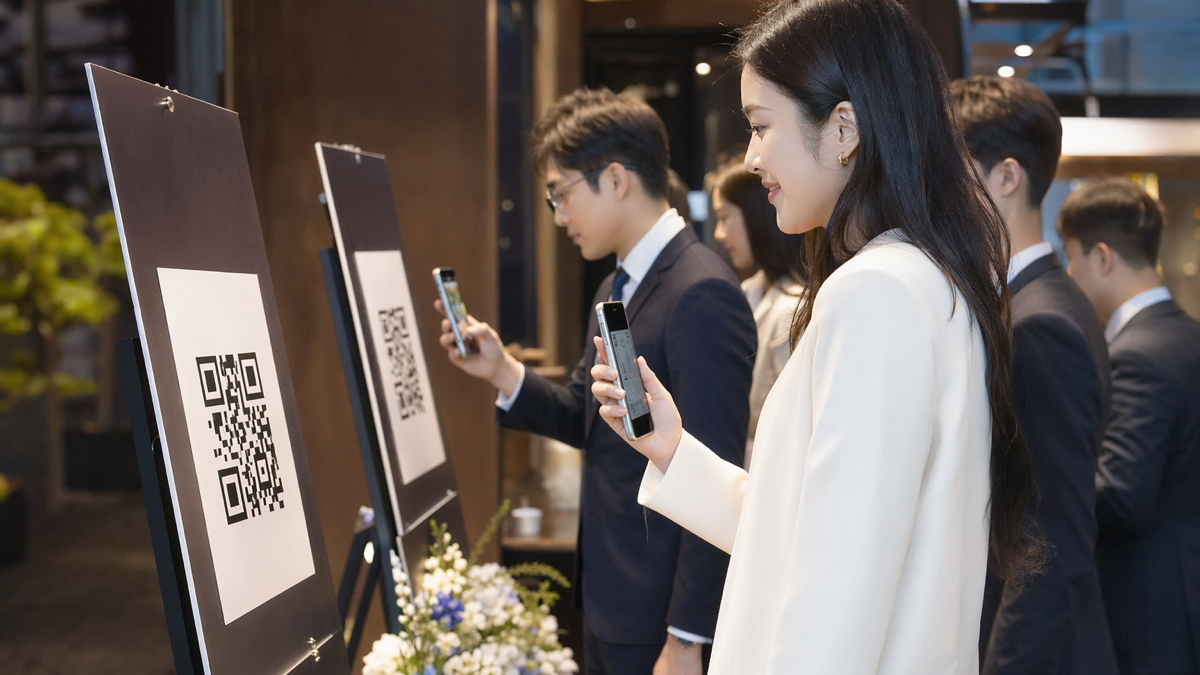
QR codes are useful before, during and after an event
Event organisers have a lot of small moments where people need to move from interest to action. They see a poster and need to register. They arrive at the venue and need to check in. They sit in a session and want slides. They leave and need a follow-up link before the memory fades.
QR codes fit those moments because they connect physical attention with a digital next step. The best use is not "scan this because we like QR codes". It is "scan this to do the thing you already want to do".
That distinction matters. A code on a poster that opens a slow homepage is a dead end. A code that opens a mobile-friendly registration page with the event name, date, price and two-field form can sell tickets while someone is standing at a coffee shop noticeboard.
For organisers, QR codes also solve a measurement problem. Printed posters, flyers, banners and partner packs often feel hard to track. With separate codes for each placement, you can see which channels drove interest, which messages worked and where to spend the next budget.
Use separate codes for each stage of the event
One code cannot serve every purpose well. Registration, check-in, session resources and post-event follow-up all need different pages. Treat each as its own journey.
A simple event QR setup might include:
- A public registration code for posters, flyers and partner emails.
- A speaker or sponsor code for shared promotional assets.
- A check-in code at the entrance for ticket lookup or badge collection.
- Session codes for slides, polls, questions or resource downloads.
- A feedback code near exits and in follow-up emails.
- A post-event code for recordings, offers, membership or next-event registration.
Each code should have a clear name in your link system. "main-poster-registration" is more useful than "eventlink1" when you are reviewing results later. If you work with sponsors or venues, give each partner their own trackable link so nobody has to guess what they contributed.
Registration codes need a short, obvious path
Registration is where friction hurts most. A person who scans a poster may be interested, but the interest is fragile. They might be walking, commuting or waiting between meetings. If the page asks them to read too much, create an account or pinch and zoom, they will probably leave.
The landing page should make the decision easy. Put the basics above the fold:
- Event name and plain-language description.
- Date, time and location.
- Who the event is for.
- Ticket price or free registration note.
- What the attendee gets.
- A visible registration button.
Do not hide the practical details. People do not want to hunt for the venue or find out about pricing three screens later. If the event has limited capacity, say so honestly. Scarcity can help, but fake urgency feels cheap.
For paid events, avoid sending scanners through too many steps. The shorter the route from scan to ticket, the better. For free events, consider asking only for name, email and one useful qualifier, such as company, role or dietary requirement. You can collect more detail later if needed.
Example: local business breakfast
A chamber of commerce is promoting a breakfast briefing. Posters go up in coworking spaces, cafes and council buildings. Each location gets its own QR code. The code opens a page with the topic, speaker, venue map, timings and registration form.
After two weeks, the organiser can see that coworking spaces produced fewer scans than cafes but a higher registration rate. That insight is useful. Next time, they might place fewer posters overall and focus on the venues that produce real attendees.
Partner and sponsor codes make attribution less awkward
Events often rely on partners to spread the word. Sponsors post on LinkedIn, speakers email their lists, venues share with members and community groups forward details. Without trackable links, everyone can claim they helped, but nobody knows what actually worked.
Create a separate QR code or short link for each partner pack. The destination can be the same registration page, but the tracked link should be different. That way, you can report back with numbers that are fair and specific.
This helps with future sponsorship conversations. Instead of saying "your logo was on the poster", you can say how many scans or registrations came through that sponsor's materials. If a partner drives serious attendance, that is worth knowing. If another partner delivers almost nothing, that is worth knowing too.
Keep the process simple for partners. Give them:
- A short tracked link for captions and emails.
- A QR code image for posters and slides.
- Suggested copy that sounds natural, not over-polished.
- The deadline for registration.
- A contact for questions.
The easier you make it, the more likely they are to share it properly.
Check-in codes can reduce queues if the fallback is clear
QR check-in is helpful when it speeds up arrival. It becomes annoying when it replaces human help. Some attendees will have low battery, poor signal, forgotten tickets or accessibility needs. Build a fallback from the start.
For smaller events, a check-in QR code at the entrance can open a ticket lookup page or self-check-in form. For larger events, codes can direct attendees to different queues, badge collection points or last-minute information. If the venue has unreliable signal, display the Wi-Fi details nearby or use staff devices instead.
Good entrance signage should answer three questions quickly:
- Should I scan this code?
- What happens after I scan?
- What should I do if it does not work?
Do not make the code too small. People will scan from different heights and angles, often while holding bags or coats. Use high contrast, leave white space around the code, and test it at the actual printed size before the event opens.
Session codes help attendees act while interest is high
During an event, attention comes in bursts. A speaker mentions a guide. A panellist offers slides. A sponsor runs a demo. Someone wants to ask a question but does not want to walk to a microphone. QR codes can capture those moments without forcing the whole room to type a link.
Useful session code destinations include:
- Live polls.
- Question submission forms.
- Slide downloads.
- Speaker resources.
- Workshop templates.
- Sponsor offers.
- Waitlists for related sessions.
Put the code on the holding slide, printed agenda or table card. Tell people what they will get. "Scan for the slides" is clearer than "resources". If the code is for questions, keep the form short and allow anonymous submissions if that suits the event.
For sponsors, be careful. Attendees can smell a lead trap. If a sponsor QR code offers a useful checklist, discount, demo booking or research report, it may perform well. If it opens a generic sales page, most people will ignore it.
Follow-up starts before people leave the venue
Post-event follow-up is often left too late. By the time a recap email lands three days later, attendees have moved on. A QR code near the exit, on the final slide or inside the printed programme can catch people while the event is still fresh.
Good follow-up destinations include:
- A short feedback form.
- Certificate download or attendance confirmation.
- Slides and recordings.
- A next-event early registration page.
- A community sign-up page.
- A sponsor resource hub.
- A meeting booking page for sales or membership teams.
Ask for feedback quickly. A long survey with twenty questions will lose people. Try three or four useful questions: what did you attend, what was most useful, what should change, and can we contact you about future events?
If you need richer feedback, invite a smaller group to a follow-up call. Do not ask everyone to write an essay on their phone while standing by the cloakroom.
Build a cleaner post-event funnel
The scan after an event should not be an isolated action. It should move people into the right next step based on their interest. Someone who scans for slides may be open to a newsletter. Someone who scans a sponsor offer may be ready for a demo. Someone who scans a feedback form may be a future speaker, member or volunteer.
A practical post-event flow might look like this:
- Attendee scans the closing slide for resources.
- The page asks for email only if the organiser does not already have it.
- The attendee chooses slides, recordings, next event alerts or sponsor resources.
- The organiser tags the interest source in their CRM or email tool.
- Follow-up emails match the choice rather than blasting everyone with the same message.
That last point is where many events waste goodwill. A person who attended a technical workshop should not receive the same follow-up as a sponsor prospect or first-time visitor. QR codes can help segment that interest if you set them up deliberately.
Design and placement matter more than people think
QR codes are simple, but the physical details still matter. A code that works on a laptop screen may fail on a glossy banner under venue lighting. A code that scans at arm's length may be useless from the back of a lecture theatre.
Use this checklist before printing:
- Test every code on iPhone and Android devices.
- Scan from the distance people will actually stand.
- Use strong contrast and avoid busy backgrounds.
- Leave enough quiet space around the code.
- Add a short instruction beside it.
- Check the destination loads fast on mobile data.
- Make sure old codes will not break after the event.
If you are displaying a code on slides, keep it on screen long enough. Speakers often flash a code for ten seconds and wonder why nobody scanned it. Give people time to unlock phones, open the camera and deal with the person in front of them shifting in their seat.
Measure more than scan volume
Scan volume is useful, but it can mislead. A poster by the entrance might get many scans from people who have already registered. A sponsor table card might get fewer scans but generate better leads. Compare scans with actions.
For registration campaigns, measure:
- Scans by location or partner.
- Registration rate from each code.
- Paid ticket conversion where relevant.
- Drop-off between page view and checkout.
- Attendance rate by source.
For event-day codes, measure:
- Resource downloads.
- Poll participation.
- Questions submitted.
- Feedback responses.
- Next-step bookings or sign-ups.
The useful question is not "did people scan?". It is "did the scan help them do something valuable?". If not, change the destination, placement or promise.
A practical setup for your next event
If you are starting from scratch, keep the first version manageable. Create one registration QR code for each major promotion channel, one check-in or information code for the venue, and one follow-up code for resources and feedback. Name them clearly. Test them properly. Review them within a week of the event.
For a conference, you might add session-specific codes. For a small networking evening, you may only need three. More codes are not automatically better. More clarity is better.
To create trackable QR codes and short links for registration, partner promotion and follow-up, create a D2eak.link account before you send assets to print or partners.
Final thought
Events are full of tiny handovers. Poster to registration. Arrival to check-in. Talk to resource. Conversation to follow-up. QR codes make those handovers smoother when the destination is specific and useful. Treat each code as part of the attendee journey, not as a graphic element, and you will get cleaner data as well as a better experience.
Related reading
If this topic is useful, these related D2eak.link guides are worth reading next: